


Customers are converted leads or existing clients stored in your CRM.
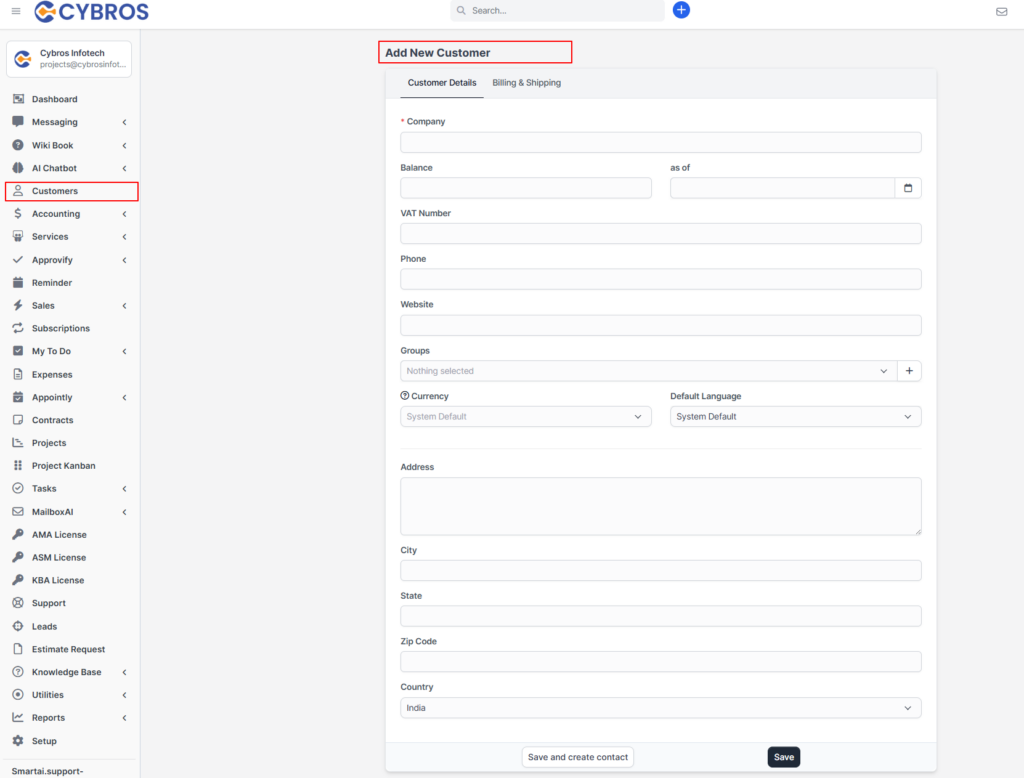
🔹 How to Add a Customer #
- Go to Customers from the sidebar
- Click Add New Customer
- Enter details:
- Customer Name
- Company Name
- Phone Number
- Address
- Group (optional)
- Click Save
📌 Why This Matters #
Adding accurate customer details helps in managing communication, projects, and billing.


